Download phl798 — Casino & Sports Betting
App for Filipino Players
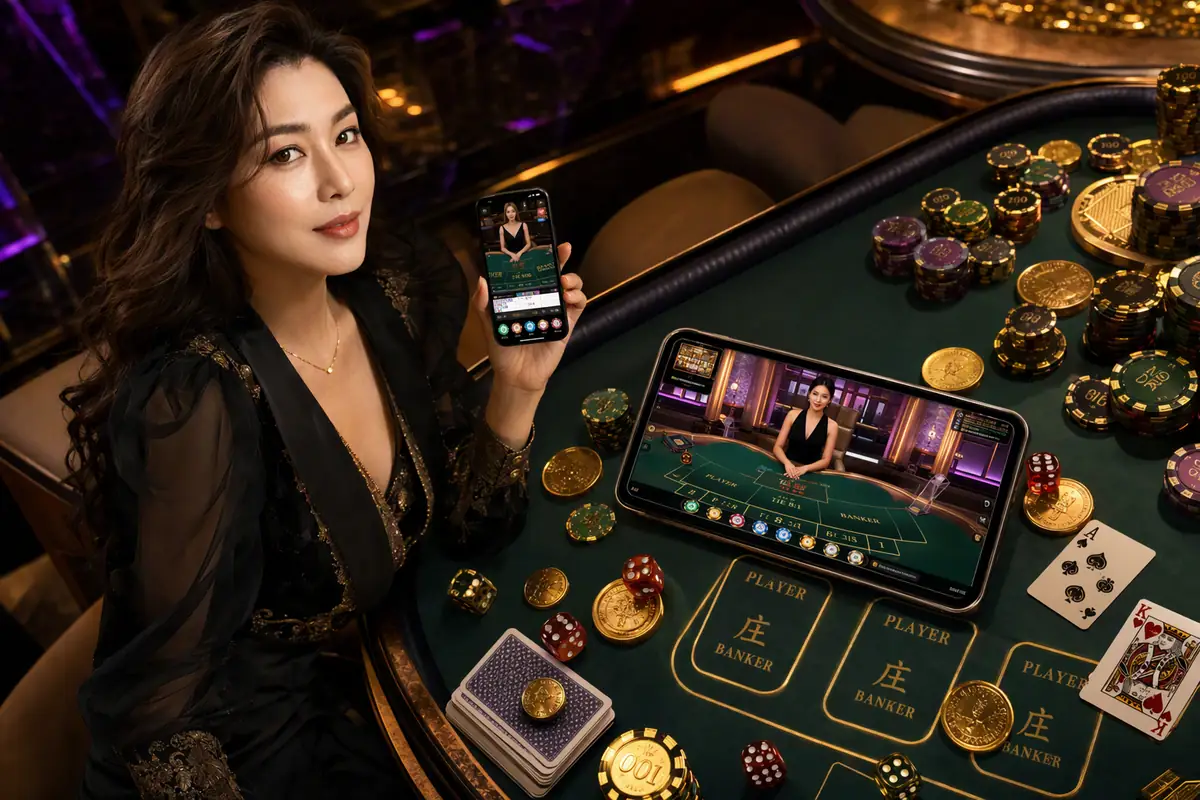
Take phl798 with you wherever you go. Our mobile app and mobile-optimized browser platform put over 1,200 games — JILI slots, live dealer, PBA sports betting, sabong, and bingo — right in your pocket. Designed to run smoothly on any Android or iOS device across the Philippines.

Three Ways to Play phl798
Whether you're on an Android phone in Cebu, an iPhone in Makati, or a laptop in Davao — phl798 has a format that fits your device and your lifestyle.
Android APK
Version 3.8.1 · 42 MBDirect APK download for Android phones and tablets. No Google Play store needed — side-load in seconds and get the full native app experience optimized for Filipino mobile users.
- Works on Android 6.0 and above
- Optimized for low-RAM devices (2 GB+)
- Push notifications for live scores & promotions
- One-tap GCash & Maya deposit shortcuts
- Auto-updates via in-app notification
- Dark-mode UI matches site theme
iOS Web App
Progressive Web App · No install sizeiPhone and iPad users can add phl798 directly to their home screen as a Progressive Web App. No App Store approval delays — full casino access with a native-feel interface.
- Compatible with iOS 14 and above
- Add to Home Screen from Safari browser
- Loads like a native app — no browser chrome
- Touch ID & Face ID login supported
- Always up-to-date — no manual updates needed
- Full game library including live dealer
Browser Play
No Download RequiredPrefer not to install anything? The phl798 web platform runs perfectly in any modern browser — Chrome, Firefox, Safari, or Edge — on desktop, laptop, or mobile. Zero installation, instant access.
- Works on Windows, macOS, and Linux
- Full desktop lobby with all 1,200+ games
- Larger screen ideal for live dealer tables
- Multi-table capability for sports bettors
- No storage space used on your device
- Same account — login once across all devices
Safety Notice: Only download the phl798 Android APK from the official phl798 website. Do not install APK files from third-party sites, Telegram channels, or unofficial app stores — these may contain malware. The authentic phl798 app is always available exclusively at phl798.cam. If you're unsure whether an APK is genuine, contact support via live chat before installing.
How to Install phl798 on Android
Most Filipino players use Android phones — from Samsung Galaxy A-series devices popular in Metro Manila to Xiaomi and OPPO handsets common in Cebu, Davao, and the provinces. Installing the phl798 APK takes about two minutes and works on virtually any Android phone manufactured in the last five years.
The only additional step compared to Google Play installs is enabling "Install from Unknown Sources" — a standard Android security setting that you control. You can re-disable it after installation if you prefer. Here's the full process:
Mobile data vs Wi-Fi: The phl798 APK is 42 MB. Downloading over mobile data (Globe, Smart, DITO) uses about the same data as streaming one minute of HD video. If you're on a limited data plan, connect to Wi-Fi first.
Open phl798.cam in Chrome
On your Android phone, open Google Chrome and navigate to phl798.cam. Go to the Download page. Make sure you're on the official site — check the URL bar carefully.
Tap "Download Android APK"
Tap the Android download option. Chrome will ask if you want to download the file — tap "Download". The APK file will save to your Downloads folder automatically.
Enable Unknown Sources
Go to Settings → Security (or Privacy) → Install Unknown Apps. Find Chrome in the list and toggle "Allow from this source" to ON. This lets your phone install APK files from your browser.
Open the Downloaded APK
Pull down your notification shade and tap the completed download, or open your Files app → Downloads → phl798.apk. Tap the file to begin installation.
Tap "Install" and Wait
Android will show an install confirmation screen. Tap "Install" — the process takes about 15 seconds. You'll see "App Installed" when it's done.
Open phl798 and Log In
Tap "Open" on the success screen or find the phl798 icon on your home screen. Log in at phl798 Login and start playing.
Open Safari on Your iPhone
The phl798 iOS web app must be added via Safari — it won't work from Chrome or Firefox on iOS. Open Safari and type phl798.cam in the address bar.
Tap the Share Button
At the bottom of Safari, tap the Share icon (the square with an arrow pointing up). This opens the iOS share sheet with various options.
Select "Add to Home Screen"
Scroll down the share sheet and tap "Add to Home Screen". You can rename the shortcut to "phl798" if you like, then tap "Add" in the top right corner.
Find the phl798 Icon
The phl798 icon will now appear on your iPhone home screen just like a regular app. Tap it to launch the full-screen web app without any browser navigation bars.
Enable Face ID / Touch ID Login
When prompted, enable Face ID or Touch ID for faster login on return visits. This stores your credentials securely in the iOS keychain — phl798 never sees your biometric data.
Start Playing — Always Updated
Unlike an app download, the phl798 iOS web app updates automatically every time you launch it. You always have the latest version with no manual update needed.
How to Add phl798 to Your iPhone Home Screen
iPhone users in the Philippines — especially the growing community of players in BGC, Eastwood, and Cebu IT Park — often prefer the clean iOS experience. Because Apple's App Store has restrictions on real-money gambling apps for most markets, phl798 delivers a seamless Progressive Web App (PWA) instead.
The result is an experience that looks and behaves exactly like a native app — full screen, no browser chrome, instant launch from your home screen — without needing any App Store approval. The PWA is built to iPhone screen sizes and supports Face ID and Touch ID authentication.
The phl798 iOS web app works on iPhone models from iPhone 8 onwards running iOS 14 or later. iPad users follow the exact same steps using Safari on iPadOS.
Get the phl798 App — Play Anywhere in the Philippines
From Luzon to Mindanao, thousands of Filipino players use the phl798 mobile app every day. Join them — it takes under two minutes to get set up.
Login & Start Playing
Minimum Device Requirements
phl798 is built to run on the phones most Filipinos actually use — not just flagship devices. Here's what you need for each platform.
Android APK
iOS Web App
Browser (Desktop)
Android vs iOS vs Browser — Which Is Best for You?
| Feature | Android APK | iOS PWA | Browser |
|---|---|---|---|
| Full Game Library (1,200+) | |||
| Push Notifications | iOS 16.4+ only | ||
| GCash / Maya One-Tap | Via browser | ||
| Biometric Login | Browser-dependent | ||
| Offline Lobby Browsing | |||
| Live Dealer Streaming | |||
| Sports Live Betting | |||
| Multi-Table View | 2 tables max | 2 tables max | |
| No Install Required | |||
| Auto-Update | In-app prompt |
Our recommendation: Filipino players on Android should use the APK for the best overall experience. iPhone users should use the Safari PWA. Desktop players get the most control with the browser version.
Why Filipino Players Choose the phl798 Mobile App
Mobile gaming isn't a trend in the Philippines — it's the norm. According to data from the Philippine Statistics Authority, smartphone penetration across the country continues to grow, with users in Metro Manila, Cebu, Davao, and increasingly in provincial areas like Iloilo and Cagayan de Oro relying almost exclusively on their phones for internet access. This reality shaped every decision phl798 made when building its mobile platform.
Built for the Phones Filipinos Actually Use
The phl798 Android APK was engineered specifically to perform well on mid-range devices — the Samsung Galaxy A14, OPPO A78, Vivo Y35, Xiaomi Redmi 12, and similar handsets that make up the bulk of the Philippine smartphone market. Many competing casino apps are bloated and laggy on anything less than a flagship phone. phl798 runs smoothly on devices with as little as 2 GB of RAM and can operate on 3G connections, which matters enormously for players in areas where LTE coverage can be inconsistent.
What the App Covers — All of phl798 in Your Pocket
The phl798 mobile app isn't a stripped-down version of the platform. You get the complete experience: the full JILI slots lobby with titles like Fortune Gems, Super Ace, and Boxing King; Pragmatic Play games including Gates of Olympus and Sweet Bonanza; Evolution Gaming live dealer tables for baccarat, roulette, and blackjack; and the complete sports betting section covering PBA, NBA, UFC, Philippine football, and more. The sabong arena and bingo lobbies are also fully functional on mobile.
Deposits and withdrawals work seamlessly from the app. GCash integration means you can fund your account without leaving the phl798 app — a deep-link feature that's particularly popular among players in Quezon City and Makati who are always on the go. Maya works the same way. For players who prefer bank transfers via BPI or BDO, the mobile browser handles those flows cleanly too.
Security on Mobile — What phl798 Does to Protect You
Security is a genuine concern for mobile gambling, and phl798 takes it seriously. The app uses 256-bit SSL encryption for all data transmitted between your phone and phl798's servers. Biometric authentication (fingerprint on Android, Face ID or Touch ID on iOS) means your account is protected even if someone physically accesses your unlocked phone. The app also features automatic session timeout after a period of inactivity — if you leave the app open and walk away, you'll need to re-authenticate to resume playing.
Two-factor authentication is available and strongly recommended. When enabled, logging in from a new device requires a verification code sent to your registered contact method. This prevents unauthorized access even if someone knows your password. phl798's security infrastructure is audited regularly in compliance with PAGCOR's technical standards for licensed online gambling operators.
Responsible Gaming on the phl798 App
Mobile access to gambling is convenient — perhaps too convenient if you're not careful. The phl798 app includes the full suite of responsible gaming tools available on the desktop version: deposit limits, session time reminders that pop up after 1, 2, or 3 hours of play, loss limits, and self-exclusion options accessible directly from your profile settings. These tools were deliberately placed where they're easy to find — not buried in a sub-menu. phl798 complies with PAGCOR's responsible gaming guidelines and enforces the 21+ age requirement at registration, which applies equally whether you're playing on desktop or mobile.
Remember: The phl798 app is intended for entertainment for players aged 21 and above in the Philippines. Gambling should never be used as a source of income or a way to recover financial losses. If gaming stops being enjoyable, please use the app's self-exclusion tools or visit our Responsible Gaming page for support resources.

Download FAQ
Quick answers to the most common questions Filipino players ask about the phl798 app download and installation.
Ready to Play phl798 on Mobile?
Android users: grab the APK and install in under 2 minutes. iPhone users: add to your home screen via Safari right now. Both options are completely free.